

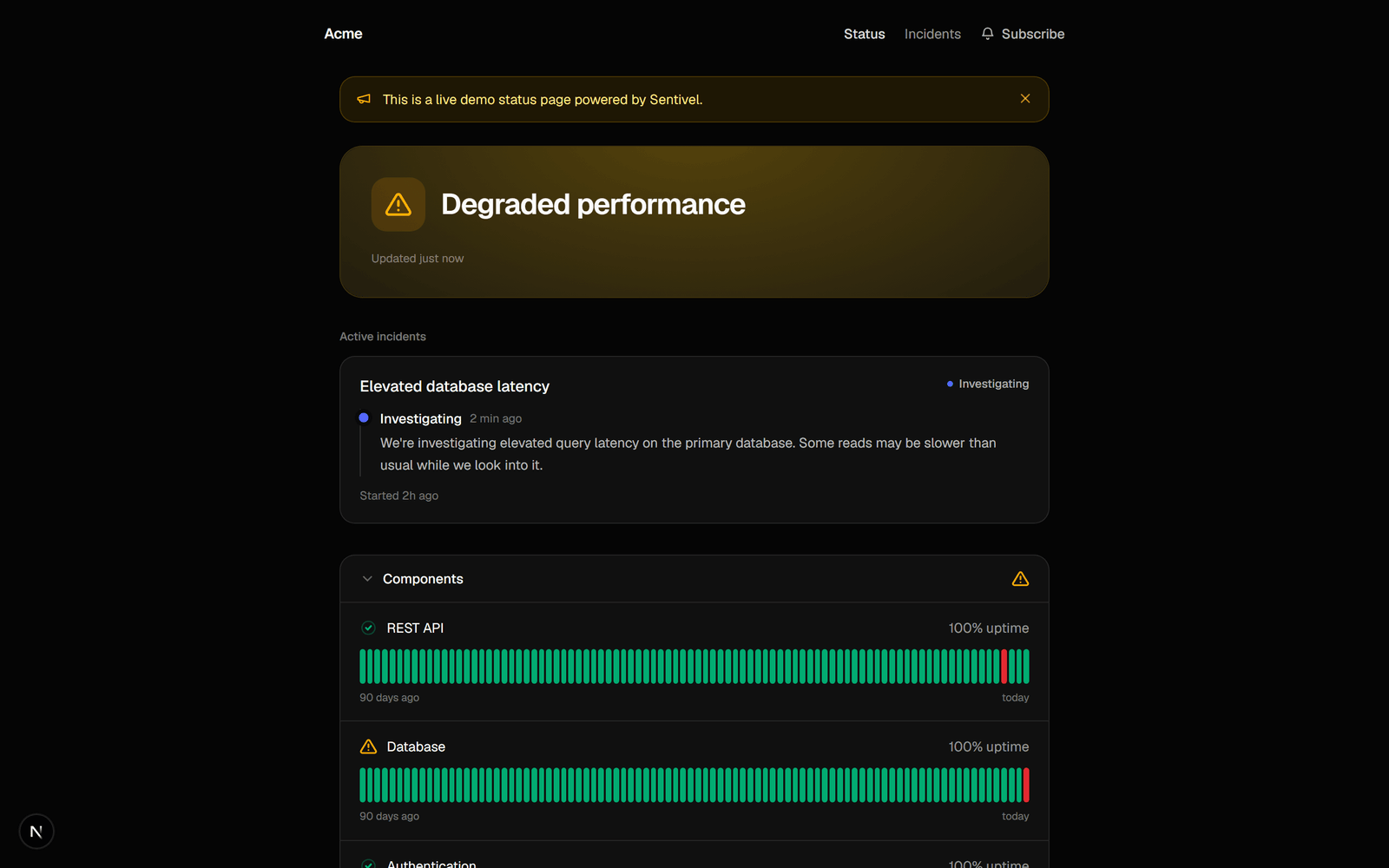
Create a page
- Go to Status page → New.
- Name it and pick a vanity URL.
- Choose public or private.
your-slug.sentivel.com. Mapping dependencies is optional.
Custom domains
Serve a page on your own domain (status.yourcompany.com):
- Add the domain on the status-page settings.
- Create the
CNAMErecord it shows you. - Verify. Sentivel checks the DNS and provisions TLS.
Design
Pick a design when you create the page. Modern is the default. Classic adds a status word beside each component and an uptime-bar footer. Both render light and dark. Components group under their service, and a service’s description shows as the category subtitle.Order and group components
A new page shows every component in the workspace, ungrouped. Arrange it into sections once you have more than a handful.- Open the page and find Page layout.
- Add a section and name it. Leave the name blank to group without a heading.
- Drag sections and components into the order you want.
Arrange a page
PUT replaces the whole layout. A component you leave out stops showing on that page. It is not deleted, and its monitoring keeps running. Read the current layout first with GET /api/v1/status-pages/$ID/layout unless you are defining the entire page.
Two mistakes return 400 and name the ids: a component the workspace does not own, and the same component in two sections.
Over MCP, the same is sentivel_get_status_page_layout and sentivel_set_status_page_layout.
Announcements and incidents
Post an announcement for planned work or a heads-up. When an incident is open, the page shows it in plain language and stops claiming “all systems operational”. Upstream advisories from cascade appear here too.Scheduled maintenance
A maintenance window is a planned-work notice with a headline, a public message, a time range, and the components it affects. Create one under Maintenance, and it appears on every status page in the workspace. Each window shows its current state: scheduled, in progress, completed, or cancelled.From your deploy pipeline
Open a window when a release starts and complete it when the release lands:Bracket a deploy
PATCH, only the fields you send change. To extend a running window, send { "endsAt": … } alone and the original message stays.
status takes an action: start begins the window now, complete ends it now, and cancel calls it off and keeps it on the public record. The other phases follow from the start and end times, so you can’t set them directly.
Omit componentIds to say the whole workspace is affected.
Over MCP, the same is sentivel_create_maintenance, sentivel_update_maintenance, sentivel_list_maintenance, sentivel_get_maintenance, and sentivel_delete_maintenance.
Pausing a monitor (see Monitors) stops its checks without telling customers. A maintenance window shows on your status page.
Subscribers and feeds
Customers can subscribe by email (double opt-in: they confirm before they ever get a message) or follow the Atom feed at/feed. Both are notified when you post an incident update.
Embed status elsewhere
Put an SVG badge from…/badge.svg?component=<id> in a README or site footer, or iframe the themed live HTML widget.