

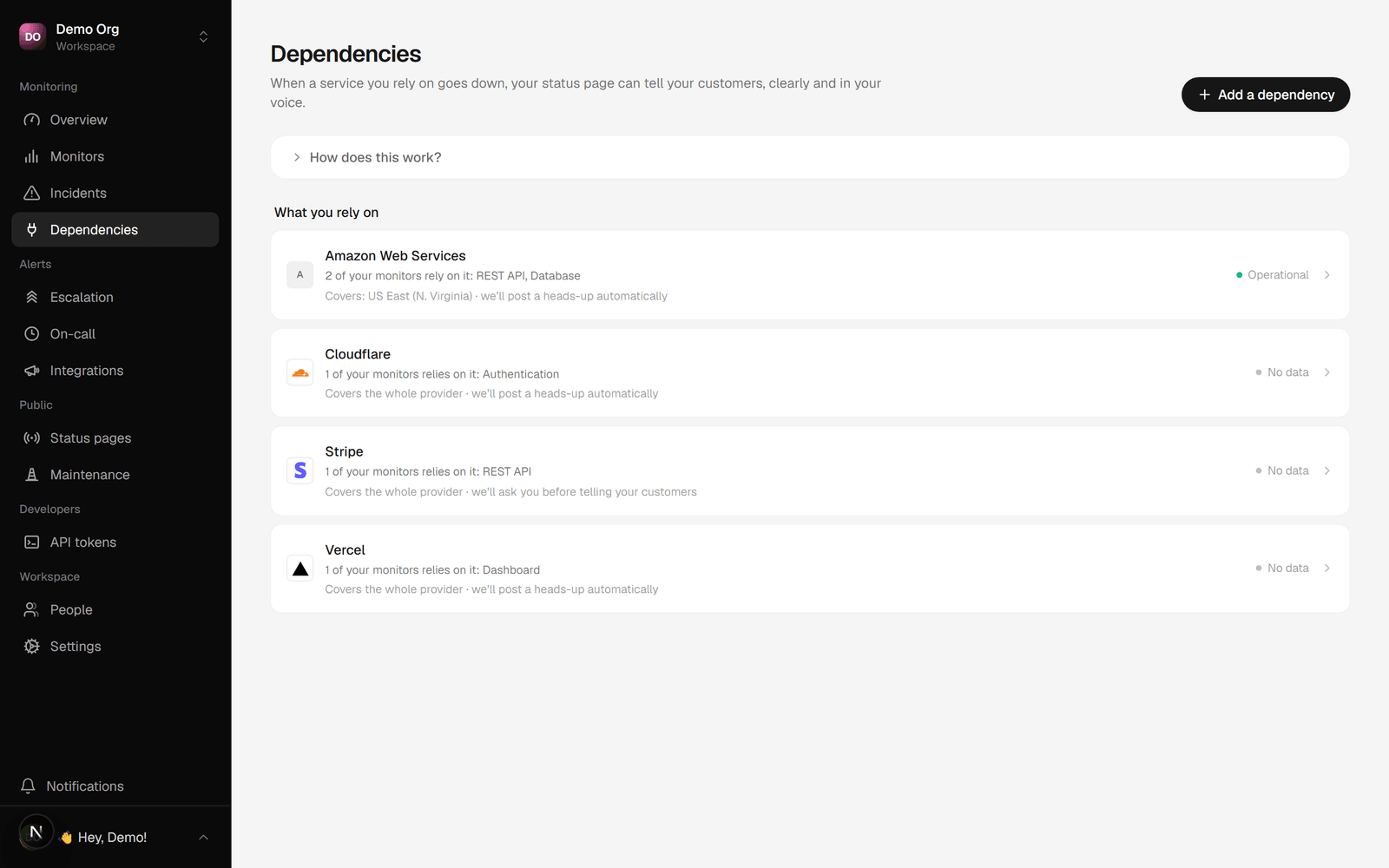
How cascade works
- Sentivel polls a provider’s status feed and detects an incident (or a part of it going down).
- It checks your dependency map for any of your components that rely on the affected part.
- For each match it posts an upstream advisory on your status page and flags the component as affected.
- When the provider recovers, the advisory clears on its own.
We’re aware of an ongoing issue with AWS us-east-1, a service we rely on. Some functionality may be affected until it’s resolved.It never says that you are down, and never makes a promise it can’t keep (“your data is safe”).
Link a dependency
- Go to Dependencies in the dashboard.
- Choose one of your components, then the provider it relies on.
- Pick the specific parts you depend on (for example “Claude and Claude Code”, or a region like Cloudflare “Africa”). Leave the set empty to depend on the whole provider.
An empty part set means the whole provider, so the component cascades only on a
filed provider incident. A part-scoped link also reacts to that specific part
going non-operational, even when the provider hasn’t filed an incident yet.
Auto-post or review first
With Auto-post, the default, the advisory goes up as soon as a provider you depend on has an incident. It only attributes the issue to the provider, so it needs no sign-off. With Review first, the cascade is flagged and Sentivel emails your owners and admins. One click publishes it.Write your own advisory
Each dependency can carry its own advisory text. Leave it blank and Sentivel writes the message for you, attributing the issue to the provider. Fill it in to say it in your own words.- Open a dependency from the Dependencies page.
- Type your wording in Custom advisory message.
- Save. Up to 280 characters.