

Build a policy
- Go to Escalation → New policy.
- Add steps. Each step has a delay (measured from the previous step) and one or more targets.
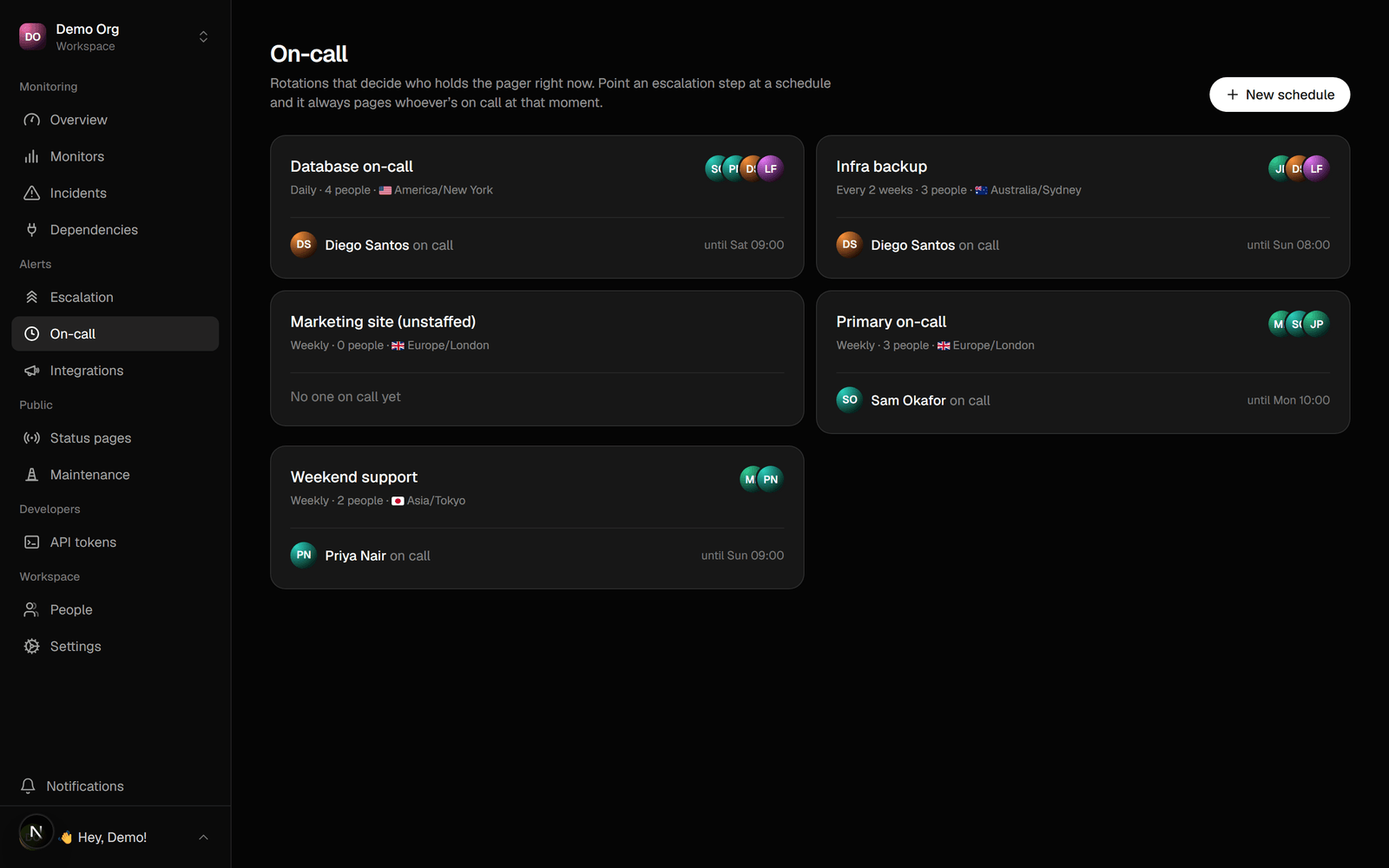
- A target is a channel (Slack, Discord, a webhook), a person, or an on-call schedule.
Add a runbook
Give a policy a runbook: a checklist or playbook for whoever it pages. Write it in the policy editor under Runbook. Markdown works. The runbook shows on the incident and on the acknowledge link, so a responder sees it as soon as they’re paged. Use it for the first things to check, who to call, and where the dashboards live.Screen noisy alerts
Not every alert should wake someone. Mark a policy silent to record its incidents on your dashboard without paging anyone, then triage them by hand.- In the policy editor, turn on Silent.
- Point a noisy monitor at the silent policy (or set it as the workspace default).
Compose policies
A step can page another policy instead of copying its responders. Pick “Page another policy” on a step and everyone in the chosen policy is paged at that step. Use it for a shared group: keep one “Payments on-call” policy and reference it from every service that depends on payments. Change the group once and every policy that references it picks up the change. References resolve recursively, and a policy can’t page itself, directly or through a chain.Routing a step
A step can carry conditions, so one policy handles different cases:
Give two steps complementary time windows to notify a channel in business hours and page on-call out of hours.