> ## Documentation Index
> Fetch the complete documentation index at: https://docs.sentivel.com/llms.txt
> Use this file to discover all available pages before exploring further.
# Introduction
> Monitor your services, publish a status page, and watch what you depend on.
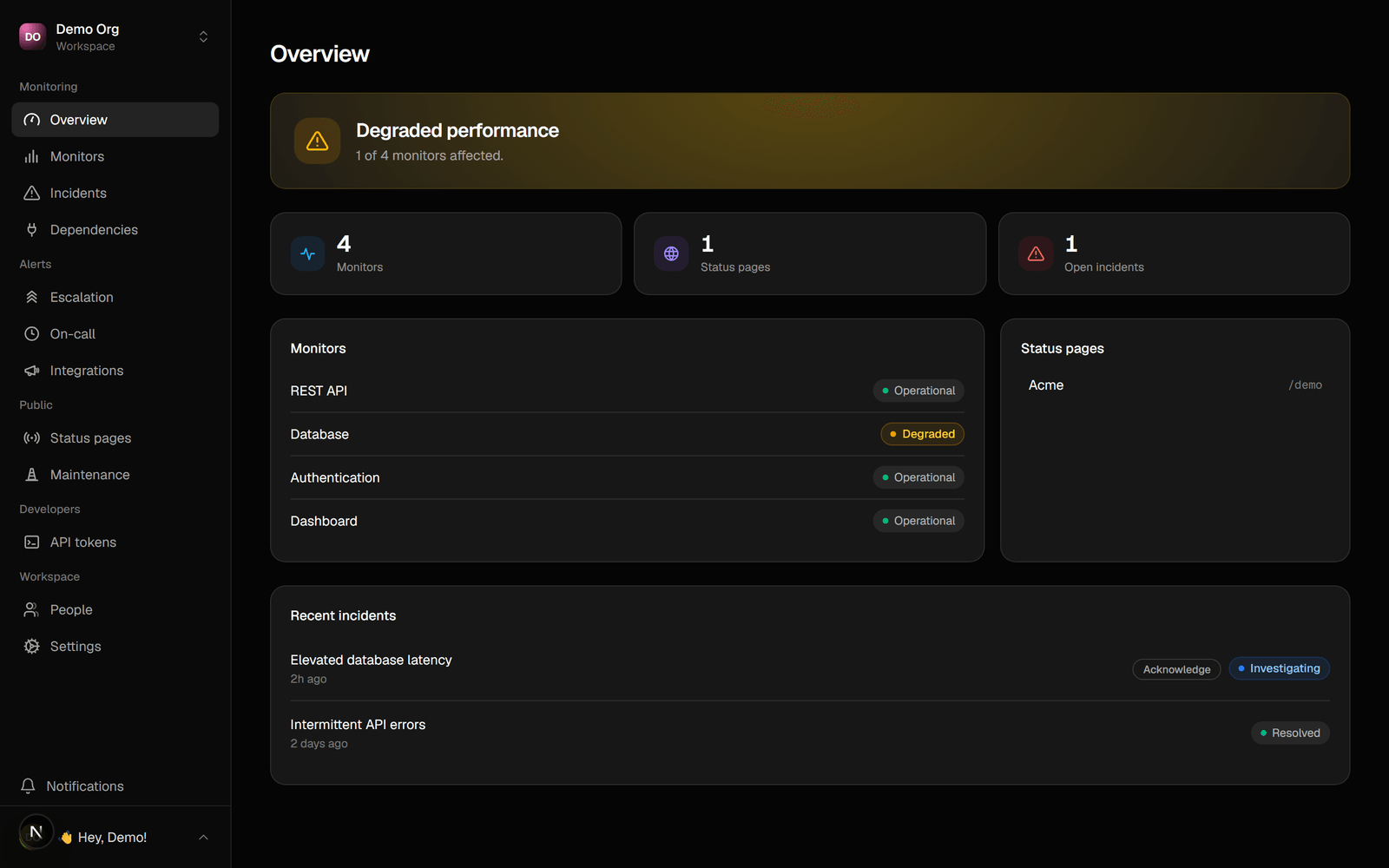
Sentivel is one product that does three things: it monitors your own services, it
publishes a status page your customers can trust, and it watches the providers you
depend on so an upstream outage shows up in your own words. Use as much or as
little as you need: a beautiful status page with monitoring, and no dependencies,
is a complete setup.
 ## Start here
Add a monitor and publish a status page in three API calls.
Point an agent at Sentivel and have it set your workspace up for you.
Create an API token and authenticate your requests.
## Explore
HTTP, keyword, heartbeat, TCP and DNS checks that turn failures into incidents.
Publish on your own subdomain or domain, with the design you choose.
Show a third-party outage on your page, in your own words.
Open, update, and resolve incidents your customers can follow.
Get the right person, on the right channel, until someone responds.
Send alerts to your tools, and bring alerts in from others.
## Build on the API
Everything in the dashboard is also available over a REST API and a hosted MCP
server, so CI pipelines, infrastructure as code, and AI agents can manage a
workspace in full. Start with the [API overview](/api-overview), then browse the
[API reference](/me) for every endpoint.
## Start here
Add a monitor and publish a status page in three API calls.
Point an agent at Sentivel and have it set your workspace up for you.
Create an API token and authenticate your requests.
## Explore
HTTP, keyword, heartbeat, TCP and DNS checks that turn failures into incidents.
Publish on your own subdomain or domain, with the design you choose.
Show a third-party outage on your page, in your own words.
Open, update, and resolve incidents your customers can follow.
Get the right person, on the right channel, until someone responds.
Send alerts to your tools, and bring alerts in from others.
## Build on the API
Everything in the dashboard is also available over a REST API and a hosted MCP
server, so CI pipelines, infrastructure as code, and AI agents can manage a
workspace in full. Start with the [API overview](/api-overview), then browse the
[API reference](/me) for every endpoint.