> ## Documentation Index
> Fetch the complete documentation index at: https://docs.sentivel.com/llms.txt
> Use this file to discover all available pages before exploring further.
# Incidents
> Open, update, and resolve incidents your customers can follow.
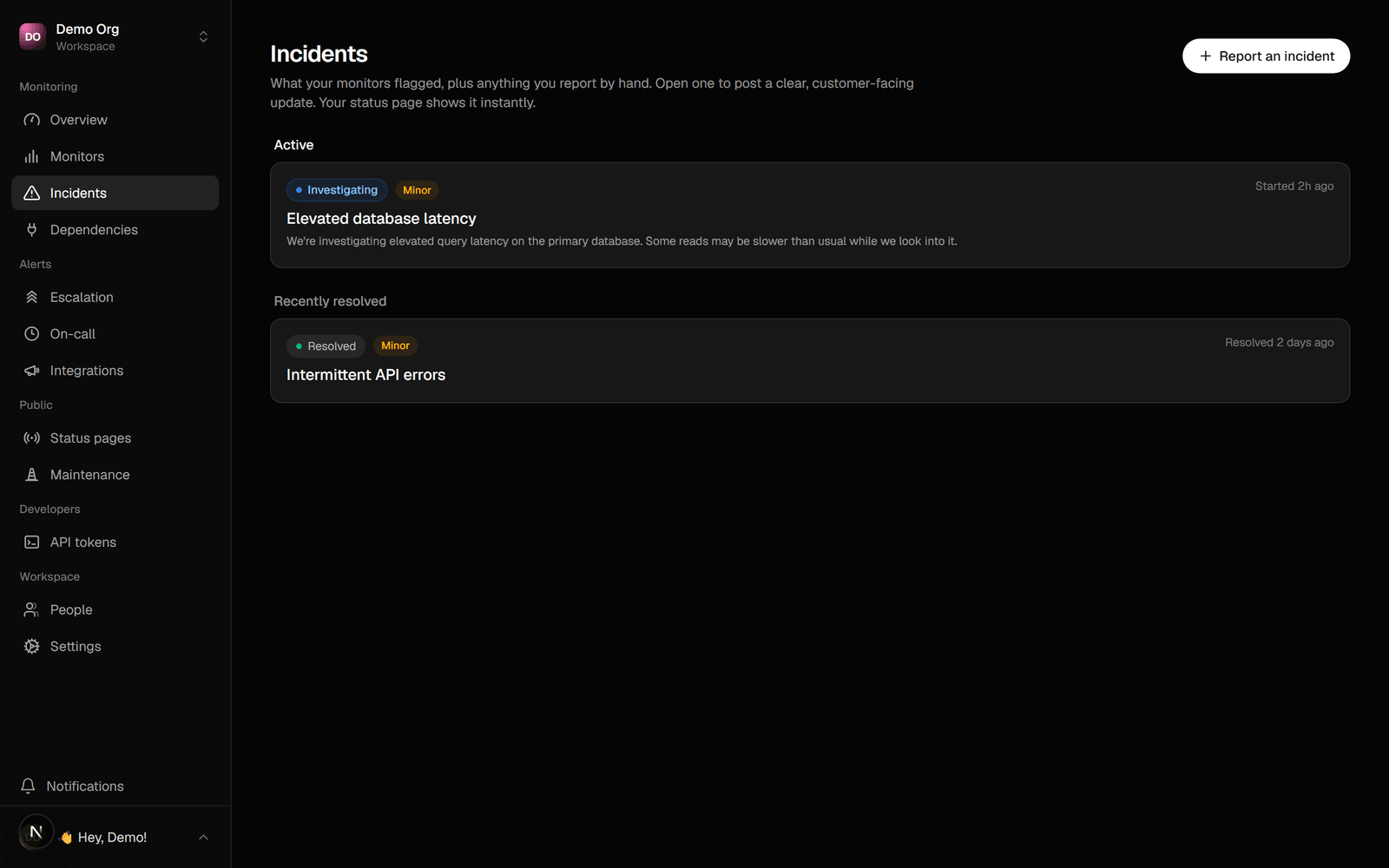 An incident is the unit of "something is wrong". A monitor opens one automatically
when it fails past its threshold; you can also open one by hand for an issue a
check can't see. Either way it shows on the status page and drives escalation.
## Open one by hand
1. Go to **Incidents → New**.
2. Set a title, the affected component, and the impact.
3. Post an opening update.
The component reflects the incident's impact on the status page, and the page
stops claiming everything is operational.
## Post updates
Keep customers informed as you work. Each update has a status: investigating,
identified, monitoring, or resolved. Subscribers and the page's feed get every
update. Resolving the incident clears it from the page's active list and returns
the component to operational.
## Draft with AI
The update composer has a **Draft with AI** option (when an API key is
configured). It proposes a clear, on-voice update from the incident's context. It
never posts on its own: you review and edit first, and the "AI-drafted" badge
clears the moment you change the text or the status. The same honest-copy rules as
the rest of Sentivel apply, so it states what's known and promises nothing it
can't keep.
## Acknowledge
Acknowledging an open incident stops its escalation ladder. See
[Escalation & on-call](/guides/escalation).
## Postmortems
After an incident resolves, write a blameless postmortem on it: what happened, the
impact, and what you're changing. It's part of the incident's record and can show
on the public history.
## Timeline
Each incident keeps a single timeline of its lifecycle: opens, updates, who
acknowledged, and the escalation steps that fired, in order.
An incident is the unit of "something is wrong". A monitor opens one automatically
when it fails past its threshold; you can also open one by hand for an issue a
check can't see. Either way it shows on the status page and drives escalation.
## Open one by hand
1. Go to **Incidents → New**.
2. Set a title, the affected component, and the impact.
3. Post an opening update.
The component reflects the incident's impact on the status page, and the page
stops claiming everything is operational.
## Post updates
Keep customers informed as you work. Each update has a status: investigating,
identified, monitoring, or resolved. Subscribers and the page's feed get every
update. Resolving the incident clears it from the page's active list and returns
the component to operational.
## Draft with AI
The update composer has a **Draft with AI** option (when an API key is
configured). It proposes a clear, on-voice update from the incident's context. It
never posts on its own: you review and edit first, and the "AI-drafted" badge
clears the moment you change the text or the status. The same honest-copy rules as
the rest of Sentivel apply, so it states what's known and promises nothing it
can't keep.
## Acknowledge
Acknowledging an open incident stops its escalation ladder. See
[Escalation & on-call](/guides/escalation).
## Postmortems
After an incident resolves, write a blameless postmortem on it: what happened, the
impact, and what you're changing. It's part of the incident's record and can show
on the public history.
## Timeline
Each incident keeps a single timeline of its lifecycle: opens, updates, who
acknowledged, and the escalation steps that fired, in order.